• Call Us: (513) 984-3900
  • Send Message: info@velecor.com
Support
Velecor Velecor
  • Home
  • Who We Are
  • Services
    • Managed Services
      •  TotalCare
      •  TotalVoice
      •  TotalCloud
      •  TotalBackup
      •  TotalSecurity
      • Office 365 Migration
    • Professional Services
      • Business Consulting
      • Application Development
      • Project Management
      • Business Analytics
  • Blog
  • Contact
  • Get Started
Get Started

The Ultimate Guide on How to Prevent Ransomware

The Ultimate Guide on How to Prevent Ransomware

The Internet is by far the tool with the most business potential for entrepreneurs. Unfortunately, the Internet can also be used against business owners, particularly those who are relatively new to their industry.

The average ransomware attack costs businesses approximately $86,000, which can be devastating for smaller companies. Luckily, though, there are steps you can take to help protect yourself.

Not sure where to start? Don’t worry, we’ve got you covered.

Let’s take a look at everything you need to know about how to prevent ransomware.

So… What Is Ransomware Exactly?

As the name implies, the term refers to malicious software that essentially holds your data for ‘ransom.’ If the hacker does not receive the money they request within a given time period, the data is either deleted, left inaccessible, or sent to the company’s competitors.

A typical scenario may something look like this:

David owns a small athletic apparel company that sells shirts, shoes, and other clothing that athletes find useful. One day, he notices that he can’t access his financial records from the previous quarter of this year.

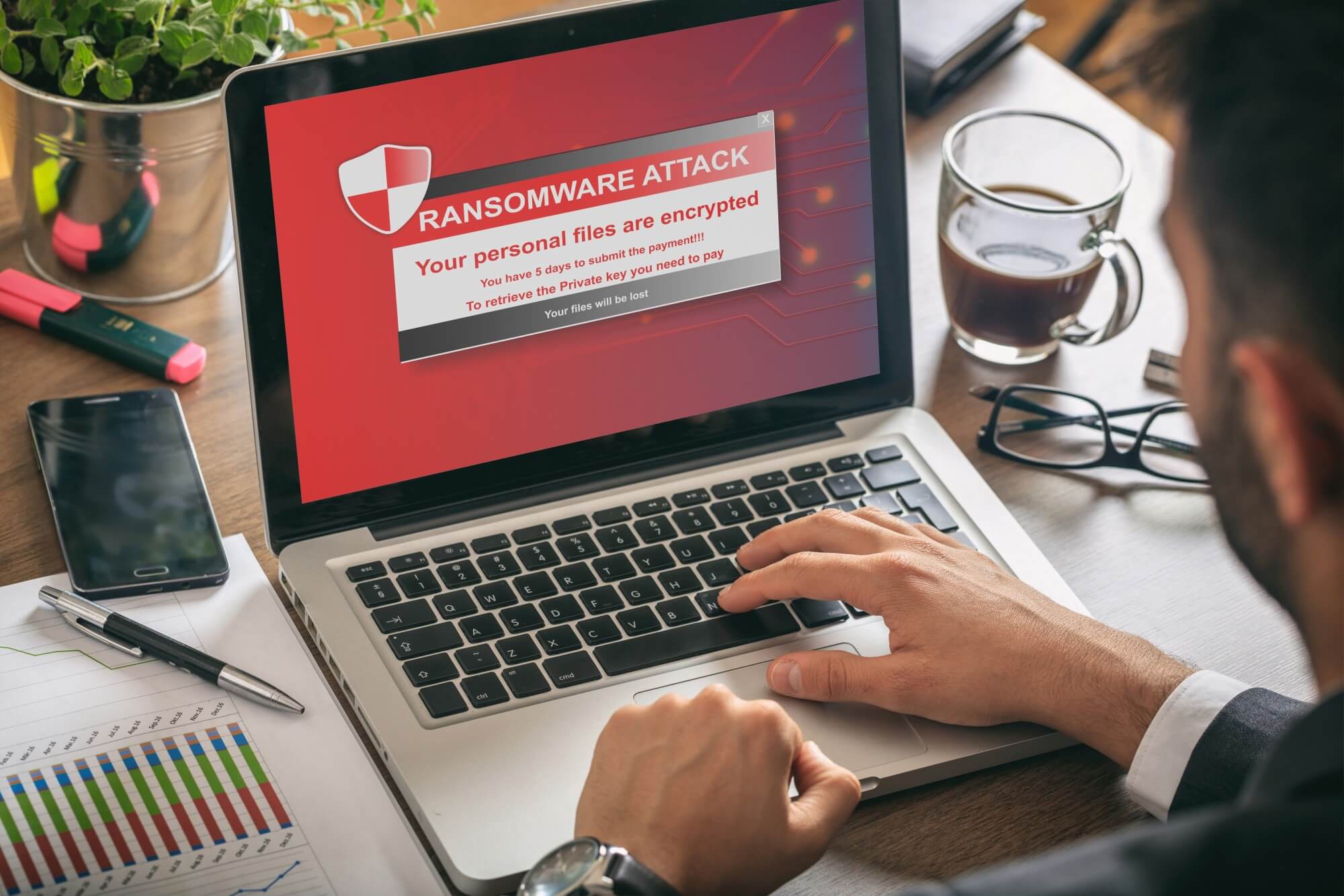
He receives an error message after error message and then discovers he’s unable to open any of his financial records. Shortly afterward, a small window appears on David’s computer.

A message informs David his files have been encrypted and must pay $1,000 in order to gain access to them. If he doesn’t pay, the hacker threatens to delete everything.

From here, David can either pay the ransom and hope that his files are returned, or refuse to pay and seek outside help. It’s important to keep in mind, though, that the FBI urges victims not to pay the ransom.

Doing so would facilitate additional attacks in the future.

How Can I Prevent Ransomware?

Although it can seem terrifying to have your company’s sensitive data compromised, ransomware isn’t something you can’t protect yourself against. In fact, the steps are relatively simple if implemented correctly.

Let’s explore what you can do.

Never Interact With Suspicious Emails

One of the most common ways that people have their machines become infected with ransomware is through interacting with shady emails.

These are typically emails from an unknown sender, but it’s possible for hackers to spoof legitimate emails in certain circumstances. False emails from financial institutions are a common occurrence in this type of scenario.

If there’s a link in an email from an unverified sender, never click it. This is especially imperative if the message claims that it will take you to a login page.

Following the link and entering your personal information will likely display an error screen that declares the site you’re on is currently experiencing issues and to try again later. In reality, though, you’ve unknowingly typed your personal info into a false web form that’s sent directly to the hacker.

If you do receive an email like this, immediately delete it and make note of the address it was sent from.

Only Download Files From Trusted Sources

It’s common knowledge that you shouldn’t download files from unknown senders or people you aren’t sure you can trust. The same can be said, though, when downloading software from websites.

Although it may be tempting to get official software from third-party sources or download software that a tool that can aid with productivity, you run the risk of infecting your machine with ransomware.

Instead, only download software that you know is legitimate and only do it from the developer’s official website in order to prevent any complications from arising.

Keep Your Software Updated

Outdated operating systems and anti-virus programs put you at risk for cyber attacks. In fact, outdated software is often so inefficient at combating modern threats that it’s like you have no protection at all.

So, it’s imperative that you install each update for your operating system that your developer publishes. To ensure that you don’t fall behind, you can turn on automatic updates for your company’s machines.

Train Your Employees

Even if you’re educated on how to avoid a ransomware attack, all it takes is for one employee to fall victim to a fraudulent email. Proper training, though, can drastically reduce the chances of this occurring.

Hold a training session for your employees that details all of the nuances to watch out for when it comes to potential ransomware attacks and how to react to a hacker’s attempt.

Additionally, make sure that this information is accessible for reference so that employees may consult it in the future.

Make Regular Backups

If you don’t properly archive your data and the worst-case scenario happens during a ransomware attack (file deletion), your company may be permanently damaged.

Fortunately, though, having recent backups of all your company’s crucial data that’s safely on a hard drive will allow you to essentially ignore the ransomware threat.

While you may experience a minor setback while you get everything back up and running, it’s only a fraction of the potential negative consequences.

To be extra safe, backup your data to both a physical (hard drive) and remote location (cloud storage).

Knowing How to Prevent Ransomware Can Seem Difficult

But it doesn’t have to be.

With the above information about how to prevent ransomware in mind, you’ll be well on your way to ensuring that your company’s sensitive data stays as safe as possible.

Want to learn more about how we can help? We have solutions that can provide an up to $1,000,000 ransomware warranty. Feel free to get in touch with us today to see what we can do.

Categories: Security
Share This Article
Facebook Twitter Pinterest Linkedin
Prev Post
Next Post

Related Articles

10 Common Internet Security Threats and How to Avoid Them
By Velecor
October 5, 2020

10 Common Internet Security Threats and How to Avoid Them

READ MORE
A Complete Guide to Ransomware: What It is and How to Stop It
By Velecor
August 11, 2020

A Complete Guide to Ransomware: What It is and How to Stop It

READ MORE

Search Keywords

Latest Posts

A Beginner’s Guide to Understanding VoIP: Everything to Know

A Beginner’s Guide to Understanding VoIP: Everything to Know

November 23, 2020
Choosing the Best Cloud Service Providers: Comparing Azure vs Private Cloud Hosting

Choosing the Best Cloud Service Providers: Comparing Azure vs Private Cloud Hosting

November 23, 2020
10 Common Internet Security Threats and How to Avoid Them

10 Common Internet Security Threats and How to Avoid Them

October 5, 2020
8 Tips on Using Azure Hosting for Small Businesses

8 Tips on Using Azure Hosting for Small Businesses

October 5, 2020

Social Media

  • (513) 984-3900
  • info@velecor.com

Company

  • Home
  • Who We Are
  • Services
  • Blog
  • Contact
  • Privacy Policy

Managed Services

  • TotalCare
  • TotalVoice
  • TotalCloud
  • TotalBackup
  • TotalSecurity
  • Office 365 Migration

Professional Services

  • Business Consulting
  • Application Development
  • Project Management
  • Business Analytics
© Copyright 2026. Velecor Services, LLC - All Rights Reserved.
Made with Web Local | Website Design Company

We Are Here to Help!

It’s never been easier to get started with our Managed IT solutions.

Get Started
Book Meeting